
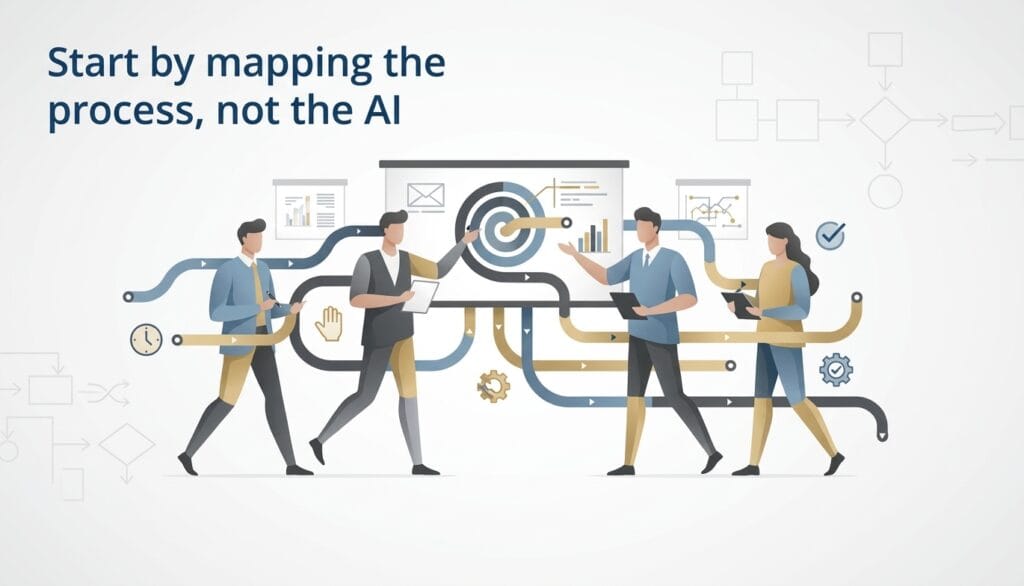
Start by mapping the process, not the AI
The instinct is to ask “how can we use AI here,” which is backwards. Start by mapping the actual manual process step by step: what triggers it, what data gets looked at, what decision or judgment gets made, what system it gets entered into, and how long it takes a human today. Only after that map exists should you ask which steps are good candidates for AI versus which need to stay deterministic rules or stay manual.
This matters because most real-world ops processes are a mix — some steps are simple data movement (no AI needed, just an integration), some involve judgment calls where AI genuinely helps (classifying, extracting, summarizing, drafting), and some involve decisions with real consequences that should keep a human in the loop even after automation.
The pattern: automate the grind, keep humans on the judgment calls that matter
The highest-ROI, lowest-risk ops automation follows a consistent pattern: use AI to handle the repetitive extraction, classification, and drafting work that consumes the bulk of the time, and keep a human reviewing and approving the output, especially early on. This gets you most of the time savings immediately, with much lower risk than trying to fully automate the decision itself.
Concretely, this looks like: AI extracts and pre-fills structured data from an incoming document or form, instead of a person typing it in from scratch. AI drafts a first-pass response, summary, or classification, instead of a person starting from a blank page. AI flags anomalies or exceptions for review, instead of a person checking every single item manually. In each case, the human’s job shifts from doing the work to reviewing and correcting the AI’s work — usually a 5-10x time reduction even without full automation.
Where to look for the first automation target
The best first project is usually not your most complex process — it’s the one that’s high-volume, repetitive, and has a clear, checkable output. Good candidates: intake or onboarding forms that get manually reviewed and entered into your system, support ticket triage and categorization, invoice or expense processing, contract or document review against a checklist, and reporting that currently means someone manually compiling data from multiple sources.
Avoid starting with a process that’s low-volume but high-stakes (a board approval workflow, for example) — the automation ROI is low relative to the risk, and it’s a bad place to build your team’s first experience with AI-assisted ops.
The technical architecture, in short
Most ops automation projects follow the same underlying pattern regardless of the specific process: an ingestion step (data comes in from a form, email, document upload, or API), an AI processing step (extraction, classification, drafting, or summarization using an LLM, often with RAG if it needs to reference your policies or historical data), a validation layer (confidence scoring and rule-based checks on the AI’s output), a human review step for anything below a confidence threshold or flagged by validation rules, and an integration step that writes the final, approved result into your system of record.
This is the same architectural skeleton whether you’re automating KYC document review, support ticket routing, or expense report processing — the specifics of the extraction schema and validation rules change, the pipeline shape doesn’t.
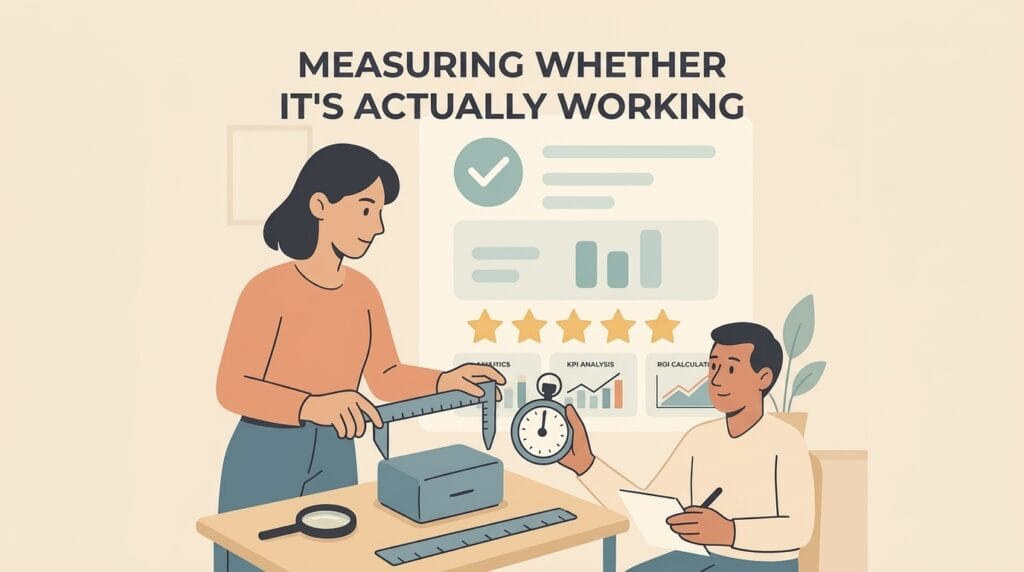
Measuring whether it’s actually working
Track three things from day one: time saved per item (how long did this take a human before vs. after, including review time), accuracy or override rate (how often does a human correct the AI’s output — a high override rate means the automation isn’t ready to reduce review intensity yet), and volume handled (are you actually running more items through the process now that the bottleneck is lower, which is often the real ROI signal for a growing startup).
A common mistake is declaring victory based on the AI “looking impressive” in a demo rather than these three concrete numbers measured against real production volume over a few weeks.
Common pitfalls in ops automation projects
Automating a broken process instead of fixing it first. If your manual process is inconsistent or poorly defined, automating it just makes the inconsistency faster and harder to catch. Tighten the process definition before automating it.
No path to reducing human review over time. If every single item still needs full human review forever, you haven’t actually automated anything — you’ve built an assistant. Design the confidence-threshold system so that as accuracy is proven out, review intensity can genuinely decrease for high-confidence cases.
Ignoring the integration work. The AI processing step is often the easy part. Getting the output cleanly into your CRM, database, or existing tools, with the right permissions and error handling, is frequently the larger share of the actual engineering effort — budget for it accordingly.
Getting started
Pick one process, map it in detail, identify which steps are genuinely AI-suited versus which are integration or deterministic logic, and build the thinnest version that handles real volume with a human review checkpoint. Prove the time savings and accuracy on that one process before expanding to the next — ops automation compounds well across a company once the first one is proven, but trying to automate five processes at once with no track record usually produces five mediocre half-finished systems instead of one that actually works.
CTA: If you’ve got a manual ops process eating your team’s time, tell us how it works today and we’ll tell you honestly what’s automatable — nextpak.org, short call. NextPak has been building production AI workflow systems since 2020.