The demo-to-production gap
A basic support bot — LLM API call, system prompt, done — takes an afternoon to build and works beautifully in a demo. It falls apart within a week of production traffic because real customers ask things outside the script, real conversations need memory across turns, and real support queues need a path to a human when the bot is out of its depth. The gap between “works in a demo” and “safe to expose to paying customers” is where the actual engineering effort lives.
Architecture: more than a single LLM call
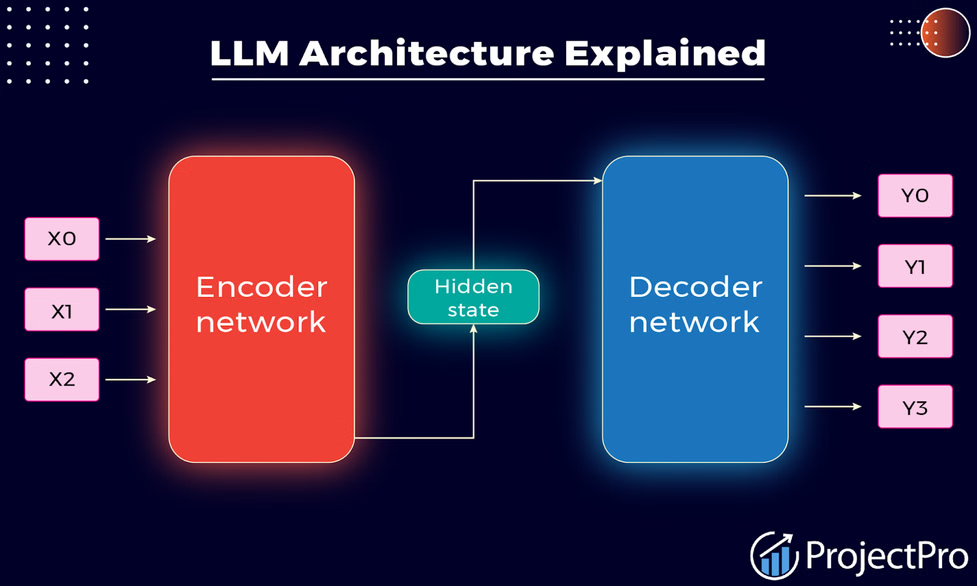
A production support chatbot is usually not one LLM call — it’s a pipeline with several distinct pieces:
Intent and routing. Before generating a response, classify what the user actually wants. Billing question, bug report, feature request, account access issue. This routing step determines which knowledge sources and tools the bot has access to, and it’s what prevents a billing question from getting an answer assembled from irrelevant documentation.
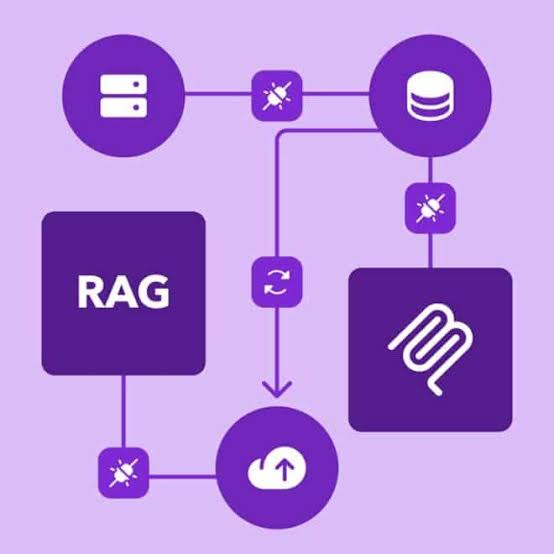
Retrieval over your knowledge base. This is RAG in practice — your help docs, past resolved tickets, and product documentation get embedded and searched so the bot answers from your actual product behavior, not the LLM’s general training data. Stale or missing retrieval is the number one cause of a bot confidently giving wrong answers about your product.
Tool use / function calling. Real support bots need to do things, not just talk — look up an order status, check a subscription tier, trigger a password reset. This means giving the LLM function-calling access to your internal APIs with tightly scoped permissions. This is also your biggest security surface: a poorly scoped tool can let a prompt-injected conversation take actions it shouldn’t.
Escalation logic. The bot needs a clear, tested set of conditions for handing off to a human: low confidence retrieval, explicit user frustration signals, requests involving refunds or account deletion, or simply three failed attempts to resolve the issue. Products that skip this ship a bot that loops customers in circles until they churn.
Conversation memory. Support conversations span multiple turns and sometimes multiple sessions. You need a persistence layer that carries context forward without blowing your token budget on every call — usually a rolling summary plus the last few turns verbatim, not the entire history raw.
The parts founders don’t budget for
Guardrails and testing. You need adversarial testing before launch — can a user get the bot to promise a refund it shouldn’t, leak another customer’s data, or go off-brand under pressure? This requires a deliberate red-teaming pass, not just happy-path QA.
Observability. You need logging that lets a human review what the bot said, why it said it (which chunks it retrieved, which tools it called), and where it’s failing. Without this, you’re debugging a black box every time a customer complains about a bad interaction.
Cost control. LLM API costs scale with conversation length and model choice. A support bot with unbounded conversation history on GPT-4o can get expensive fast at scale. Production systems typically route simple queries to a cheaper, faster model (GPT-4o-mini or similar) and reserve the more expensive model for complex cases — a routing decision that needs engineering, not just a model swap.
Handoff UX. The actual handoff to a human agent needs to carry full context so the customer doesn’t repeat themselves. This is an integration problem with your existing helpdesk (Zendesk, Intercom, Front) as much as an AI problem.
Realistic scope and timeline
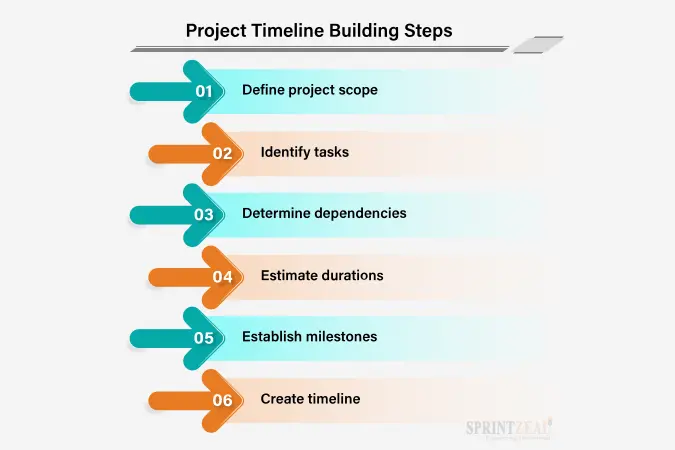
A production-grade support chatbot — routing, RAG over your knowledge base, scoped tool use, escalation, and observability — is typically a 6-10 week engagement for a small team, not a weekend integration. Ticket size for a scoped build like this usually runs $15K-30K depending on how many systems it needs to integrate with (billing, CRM, helpdesk) and how tightly regulated your domain is.
The teams that get burned are the ones that budget for “add a chatbot” as a sprint task and discover three weeks in that escalation logic, tool permissions, and cost control are each their own mini-project.
CTA: If you’re scoping a support chatbot and want to know what it’ll actually take for your stack, book a short call at nextpak.org — we’ll scope it honestly, including what you don’t need yet.